screen-pinyin
A desktop app that reads Chinese text anywhere on screen and shows pinyin, definitions, and HSK level, with spaced-repetition review.
- Stack
- Electron 39 · React 19 · TypeScript · Tesseract.js · SQLite · Tailwind
- Outcome
- One hotkey from on-screen text to pinyin, definitions, and HSK level (1 to 6)OCR, dictionary, and segmentation all run locally; only full-sentence translation goes over the networkDictionary built from CC-CEDICT with local full-text search
- Links
- GitHub ↗
Contents
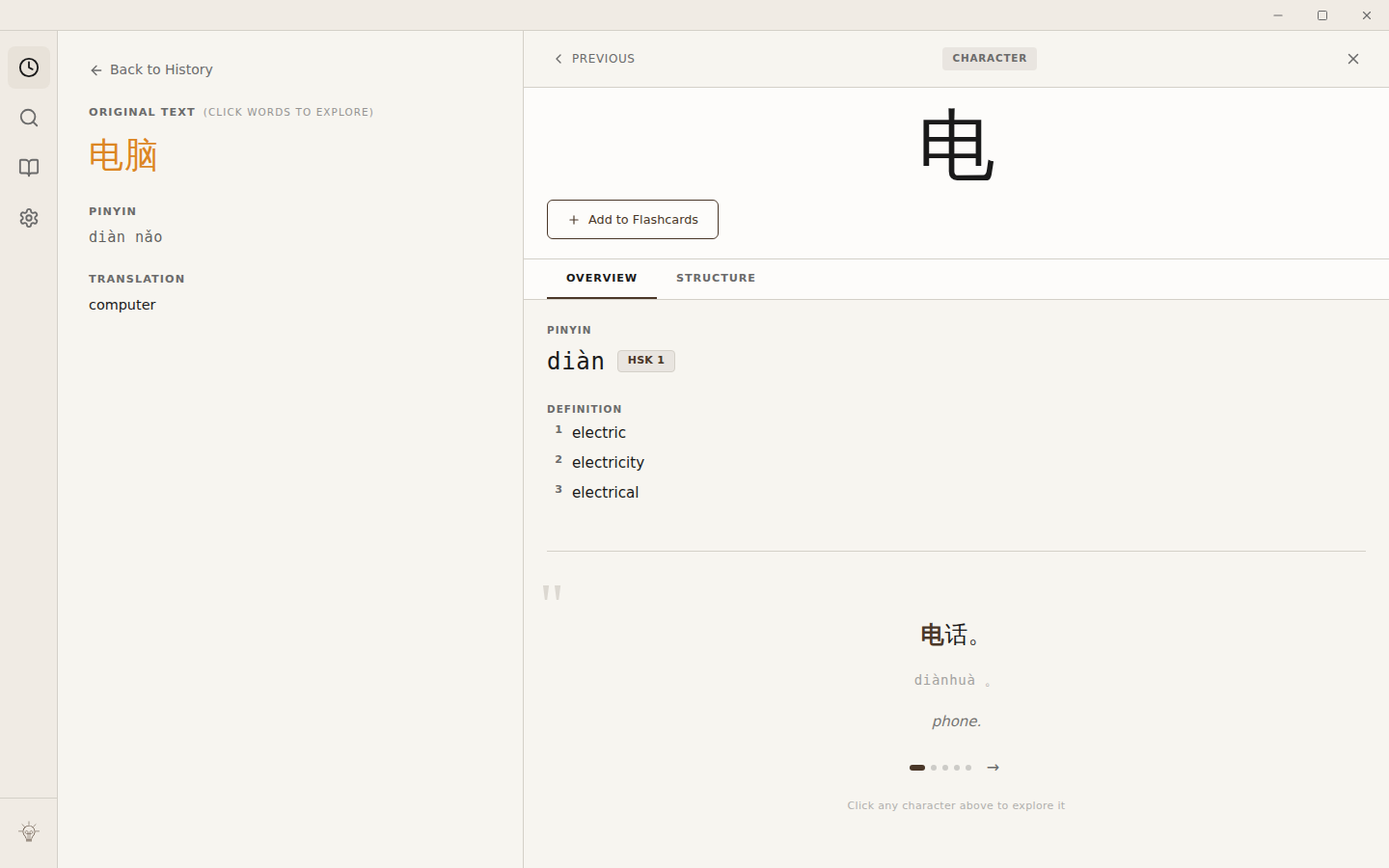
A desktop app (Electron, Windows/Mac) that screenshots any region of the screen, OCRs the Chinese text, and shows pinyin and English definitions per character or word, with a spaced-repetition flashcard mode for review.
The problem #
Reading Chinese on screen (a webpage, a game, a PDF) means stopping to retype each unfamiliar character into a dictionary app. I built ScreenPinyin to skip that: a hotkey, a drag-select over the text, and the pinyin and definitions show up next to it.
What I built #
Electron 39 + React 19 + TypeScript, with Tailwind for styling and Electron Forge for packaging. Everything on the lookup path runs locally: OCR via Tesseract.js with a bundled Simplified Chinese model, word segmentation via jieba, and dictionary lookups against a local SQLite database with full-text search, built from CC-CEDICT. Only full-sentence translation leaves the machine, as a call to Azure Translator. HSK level tracking and an FSRS-based spaced-repetition review mode round it out.
The hard part #
The decision was to keep everything on the lookup path local. Only full-sentence translation goes over the network, because it's the one step that needs a full sentence of context a local model can't give cheaply; everything else stays local so a hotkey lookup doesn't wait on a round trip, still works offline, and costs nothing per lookup.